パチンコ · Tokyo, 2 a.m.
Turn any web page into a pachinko machine.
One click on the icon and the page you're reading lights up in neon tubes. Hold SHOOT!, pour chrome balls on it and knock it down, piece by piece.
Coming soon on the Chrome Web Store.
Pachinkify is a Chrome extension for computers. Play the demo here, then open pachinkify.app on your computer.
Just for fun — no real money.
How it works
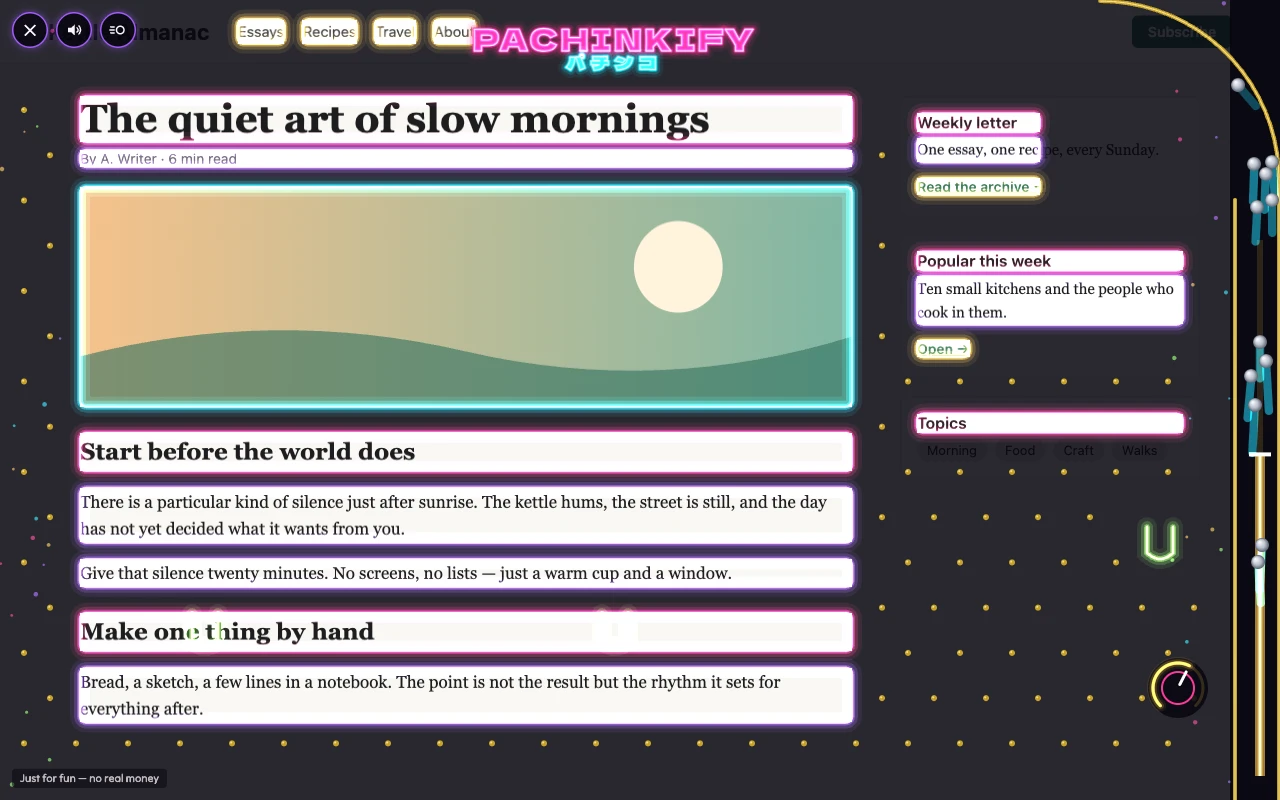
Click the icon. The lights go out. Every heading, image and button lights up as a neon tube, coloured by type.
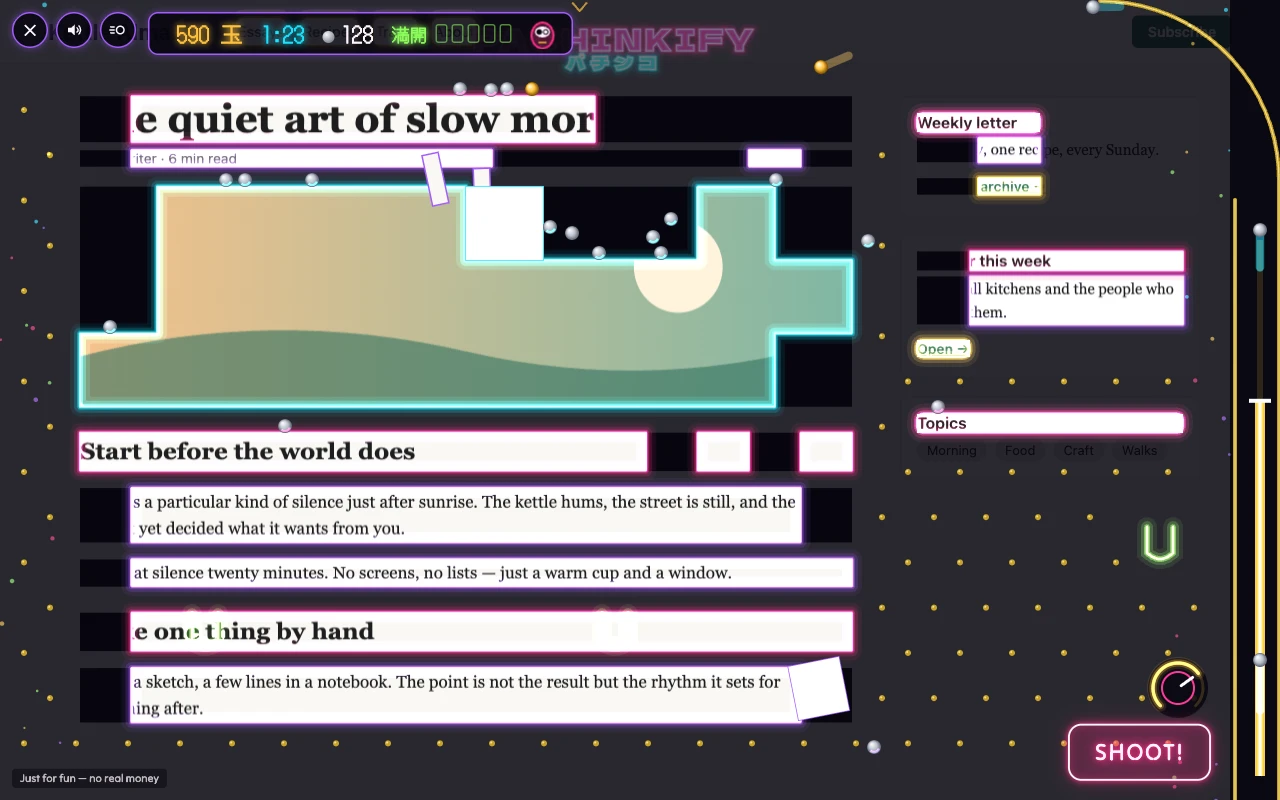
Shoot. Turn the handle and hold SHOOT!: the further you turn it, the faster and further the chrome balls fly. Solid hits chip the page apart, piece by piece.
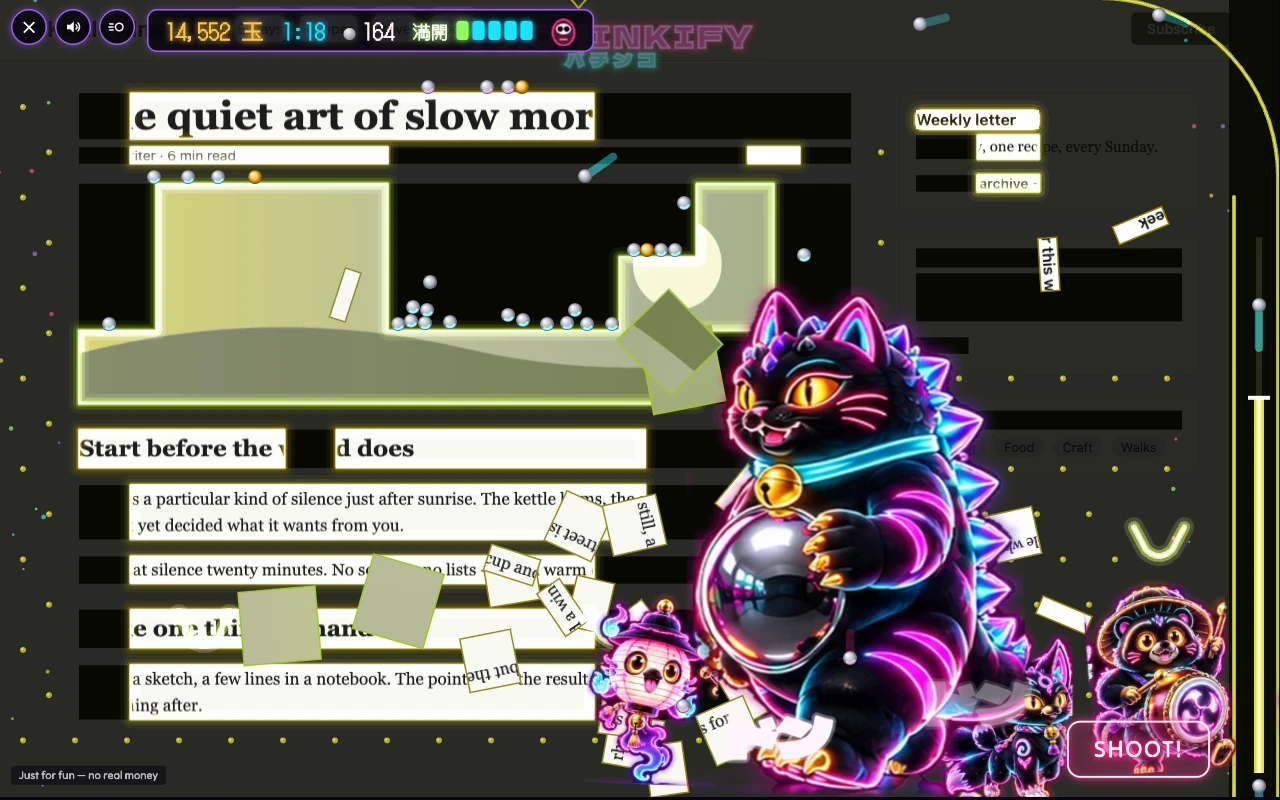
Trigger FEVER. Catch balls in the tulips to fill the 満開 gauge. When it's full, it's FEVER: the whole page comes down.
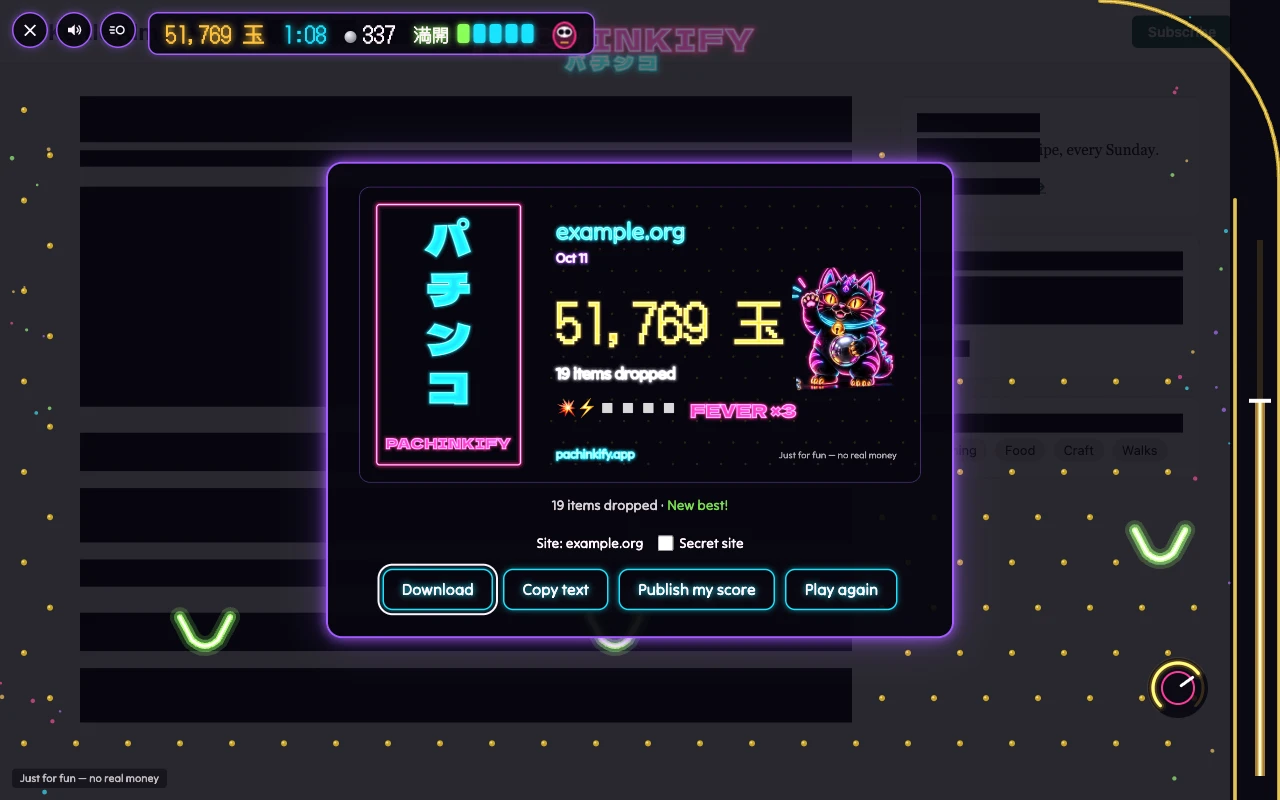
Share your score. A neon score card to download, a text to copy and a challenge link. Same site, same day, same tulips for everyone.
Respectful by design
- It only touches the tab you click, and only after you click.
- It never reads the page's text and never changes the page. Press Esc and everything is exactly as it was.
- No account and no analytics: the extension itself makes no network requests.
- A light and motion warning on first launch, and a Reduced effects switch, on by default when your system asks for less motion.